
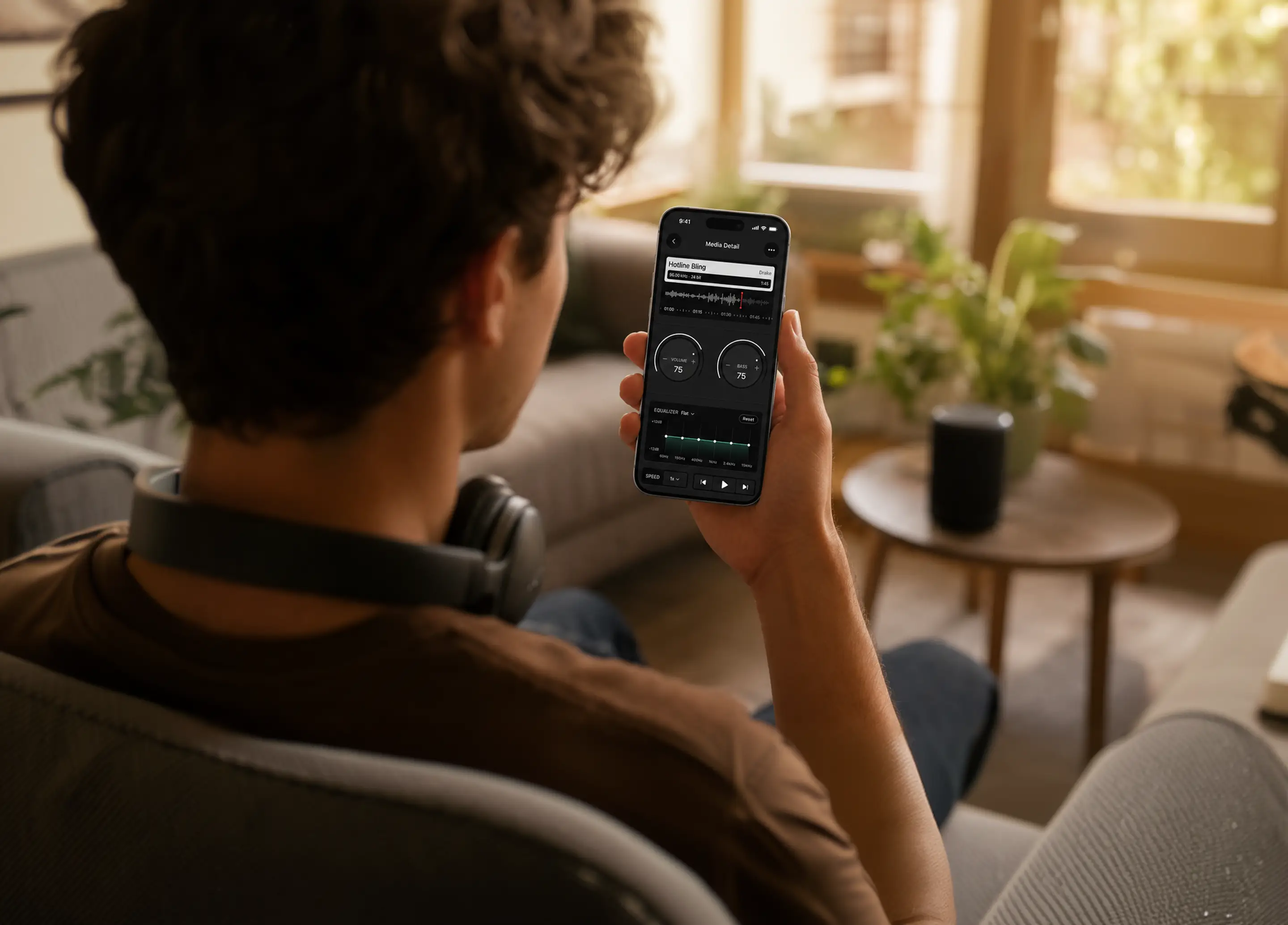
Boost your sound,
right from your phone.
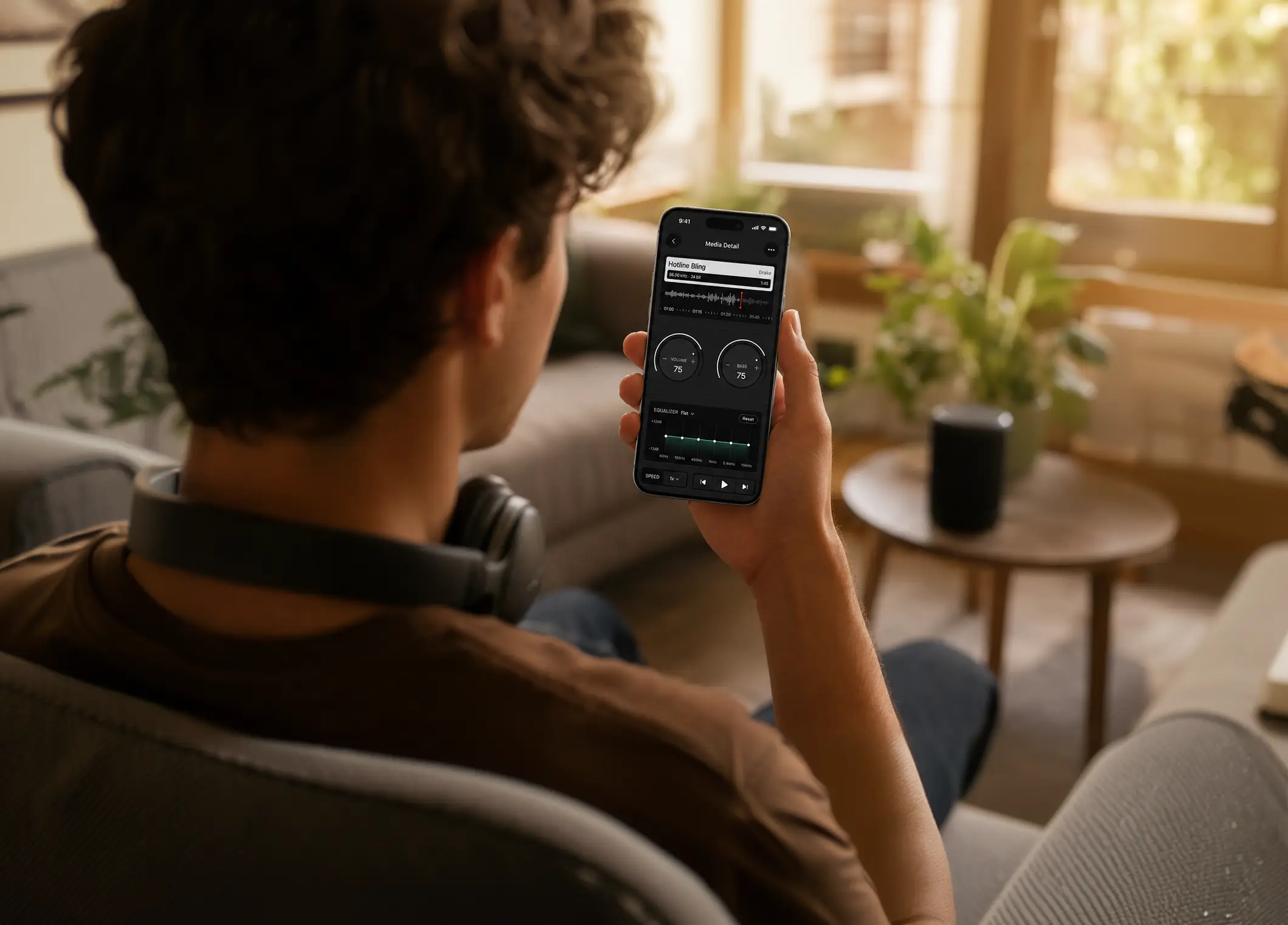
Volume Booster is an iOS app that plays your music louder than the phone's normal maximum, with a bass booster, a 6-band equalizer, and playback speed control. It amplifies the audio it plays rather than raising the system volume, and it works with your own music library and audio files.
Make your music louder than ever with volume boost, deep bass, and a 6-band equalizer.
Get the App
214
App Store ratings

4.5★
App Store rating
Everything you need for better sound, in one simple app.
Volume booster
Amplify your sound beyond the system limit and make any track louder in seconds.
Bass & equalizer
Feel the deep bass in every beat and shape your sound with a 6-band equalizer.
Speed control
Speed up or slow down any track without losing quality, then preview your creations on Apple Watch.
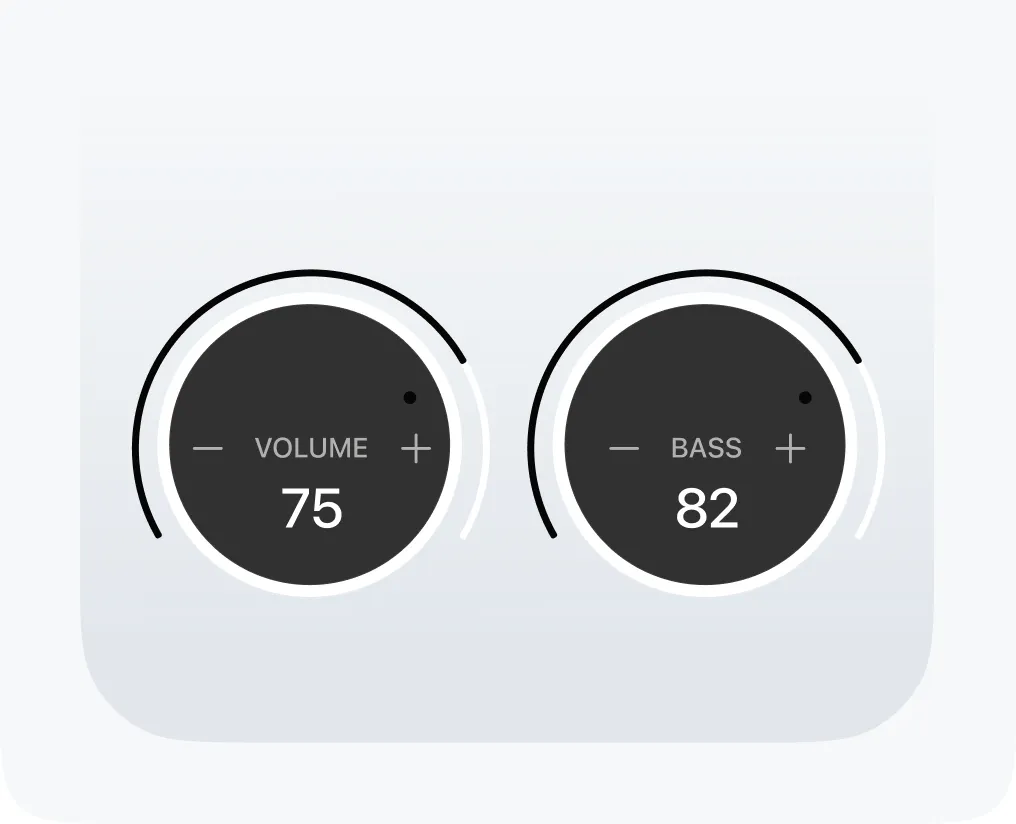
Turn the volume dial past 100% and amplify your sound beyond the limit.
Feel the deep bass in every beat with the built-in bass booster.
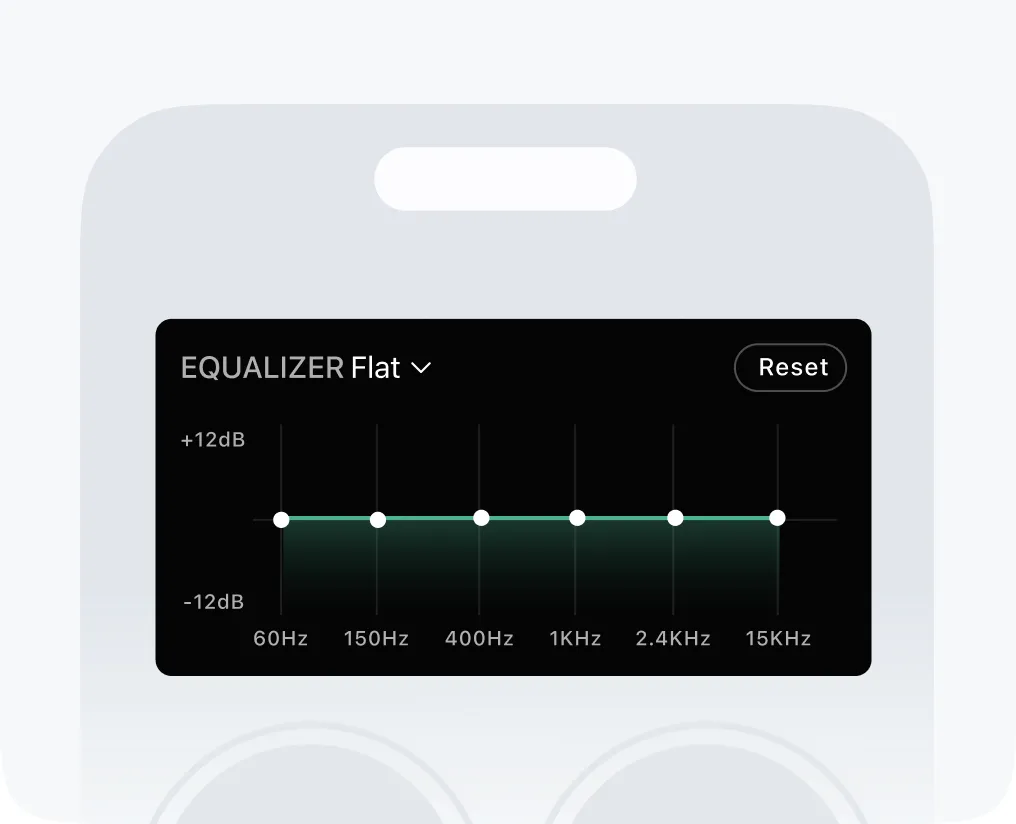
Fine-tune your sound with a 6-band equalizer and ready-made presets.
Speed up or slow down any track without losing sound quality.
What a volume booster app can — and can’t — do on iPhone
Most apps in this category advertise a “200% system boost”. On iOS that is not possible: an app can only change the audio it plays itself. Volume Booster is a player — it applies gain, bass and EQ to the track it is playing, so the track comes out louder and fuller than the same file played in the stock Music app at the same volume setting. It does not touch the system volume slider, and it cannot reach inside another app.
Loudness is also not free. Sustained listening above about 85 dB carries a real hearing-damage risk (WHO), which is exactly why iOS ships a Headphone Safety limiter. Boost is a tool for quiet recordings and noisy environments, not a setting to leave pinned.
What it does
- Play your own music and audio files louder than the phone’s normal maximum, by amplifying inside the player before the sound reaches the speaker
- Add low-end weight with a bass booster, and shape the rest with a 6-band equalizer from 60 Hz to 15 kHz
- Change playback speed without the chipmunk effect, so podcasts and lectures stay intelligible
- Work on-device — your files are not uploaded anywhere to be processed
What it doesn’t
- Raise the system volume for other apps. iOS gives no app control over another app’s output, so nothing can make Spotify, YouTube or Apple Music louder from the outside
- Push a speaker past its physical limit. Beyond a certain point extra gain produces distortion, not loudness — which is why we cap the boost instead of advertising a made-up percentage
- Override Apple’s own safety limits. If Settings → Sounds & Haptics → Headphone Safety has "Reduce Loud Sounds" on, that ceiling stays; turning it off is a Settings decision, not an app one
- Fix a hardware problem. A blocked, dusty or water-damaged speaker sounds quiet no matter what software you run
The full signal chain is on how it works. If your phone is quieter than it used to be, the settings worth checking first are in the FAQ.
“My phone speakers were so quiet I could barely hear my music. Volume Booster made a huge difference, and the bass boost is amazing too.”
Emma Wilson
Music Lover
Make your music louder than ever.
Boost the volume, add deep bass, and fine-tune every track with a 6-band equalizer — all in one simple app.
Download the App