
How Volume Booster works on iPhone
Volume Booster is a player. It reads an audio file from your library, applies gain, a bass boost and a 6-band equalizer to it, passes the result through a limiter, and sends that to your speaker or headphones. Because the processing happens inside the app's own playback, a quiet recording comes out substantially louder — and because iOS isolates every app's audio, that is also the only thing any app on iPhone is able to do.
The signal chain, in order
Everything the app does happens between reading the file and handing audio to iOS. Each stage does one job:
- Decode. The file is decoded to raw samples. Nothing is uploaded — the audio never leaves your device.
- Gain. Sample values are multiplied by a factor you control with the volume dial. This is the actual "boost", and it is straightforward arithmetic rather than a trick.
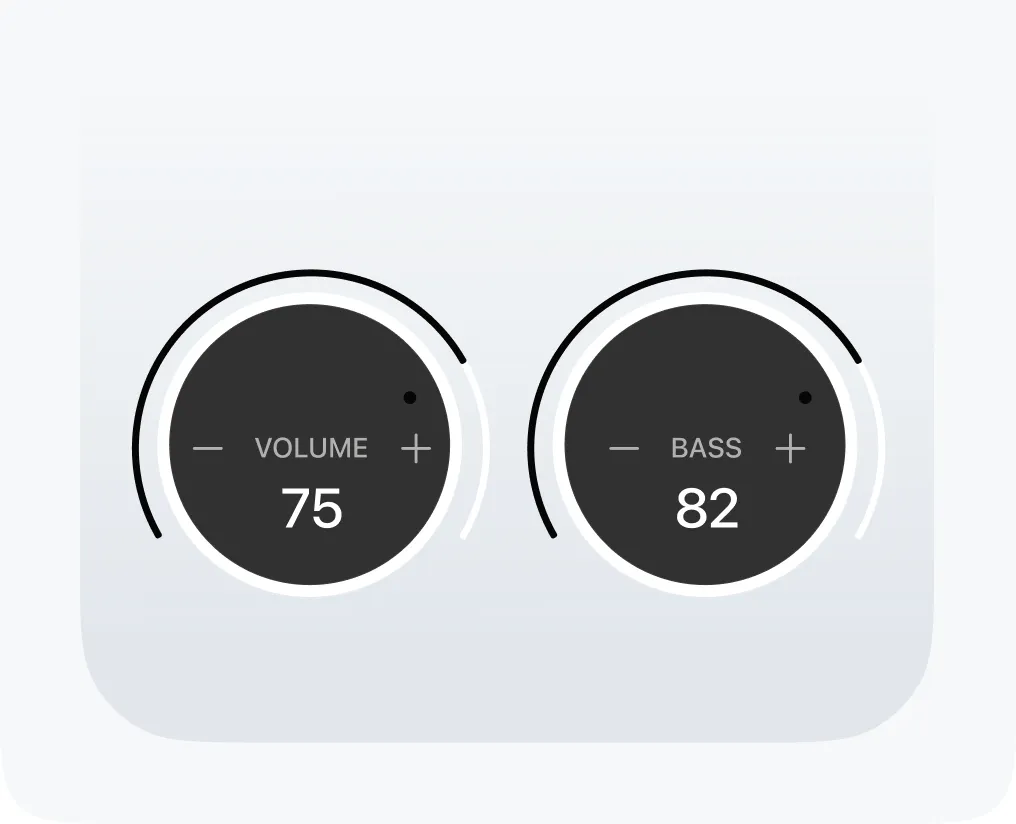
- Bass. A low-shelf filter lifts the range below roughly 150 Hz. Because the ear is less sensitive down there, this adds a lot of perceived weight for relatively little level.
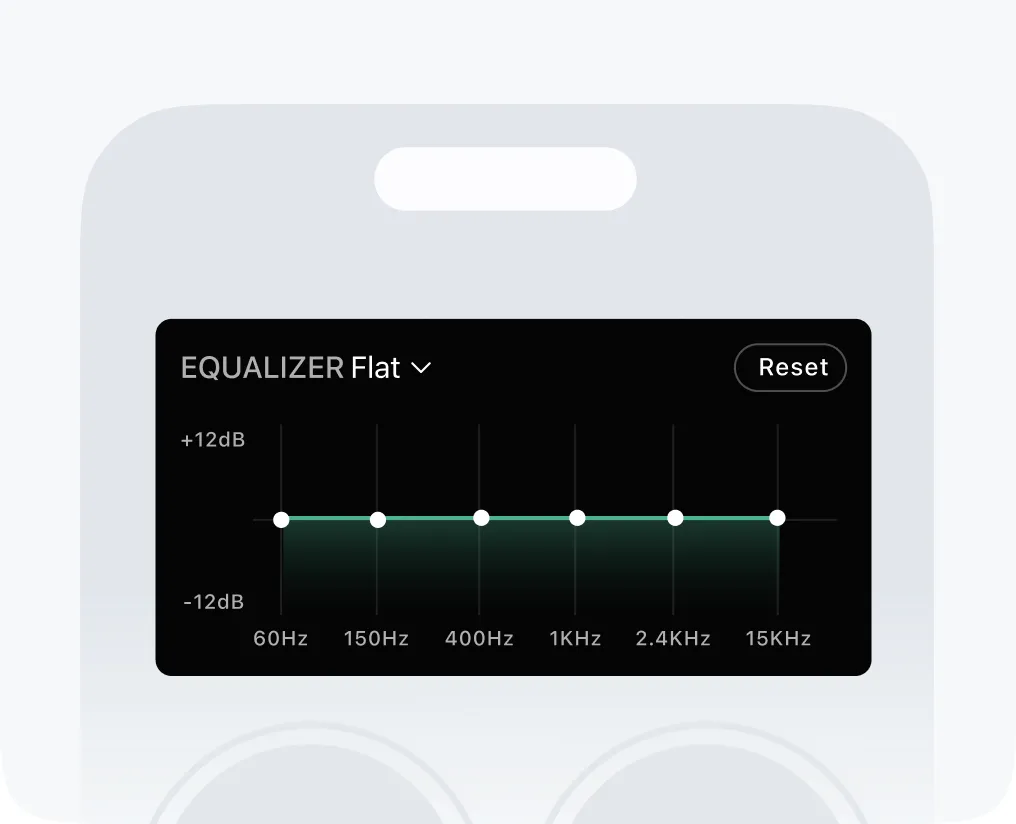
- Equalizer. Six bands — 60 Hz, 150 Hz, 400 Hz, 1 kHz, 2.4 kHz and 15 kHz — cut or boost their part of the spectrum so you can shape the balance rather than just raise everything.
- Limiter. Catches the peaks. Without it, enough gain would flatten the tops of the waveform — clipping, which you hear as harshness and crackle rather than volume.
- Output. The processed audio goes to whatever your phone is routed to: the built-in speaker, headphones, AirPods or a Bluetooth speaker.
Why it's a player and not a system booster
This is the part worth understanding, because it is where this app and most of its competitors' marketing part company.
iOS isolates every app's audio. An app can process the sound it produces itself, and nothing else. There is no permission, no entitlement and no workaround that lets one app reach into another app's output — which means no app on iPhone can make Spotify, YouTube or Apple Music louder, and none can raise the system volume or your ringer.
So a booster on iOS has to be a player. It boosts what it plays. Listings advertising a "200% system boost" for iPhone are describing a capability the platform does not provide. On Android the situation genuinely differs: the platform exposes audio effects that can attach to the global output mix, which is why Android boosters can legitimately claim to affect everything. That is how the Android version of Volume Booster works: its boost, bass and equalizer sit on the phone's output, so they reach every app that plays media — not calls, alarms or ringtones.
Why the gain is capped
Every speaker has a maximum acoustic output fixed by its driver and enclosure. Software can bring you closer to that ceiling; nothing moves it.
Past the limit, additional gain does not produce additional loudness — it produces distortion. That is why the app caps how far the dial goes instead of offering an unlimited slider, and why we do not publish a percentage: there is no standard that would make "200%" a measurement rather than a marketing number.
Why bass makes things sound louder
Human hearing is not equally sensitive across the frequency range, so where you add energy matters more than how much you add. Adding weight below about 150 Hz makes a track feel considerably fuller and louder while the measured peak barely moves — which is a more efficient route to apparent loudness than the volume dial, and a gentler one for your hearing, since total energy reaching your ear is what matters.
The same logic applies upward: lifting 2–4 kHz makes speech more intelligible, which is usually what people actually want when they reach for the volume during a film. Real starting numbers for all six bands are in the equalizer guide.
Speed without the chipmunk effect
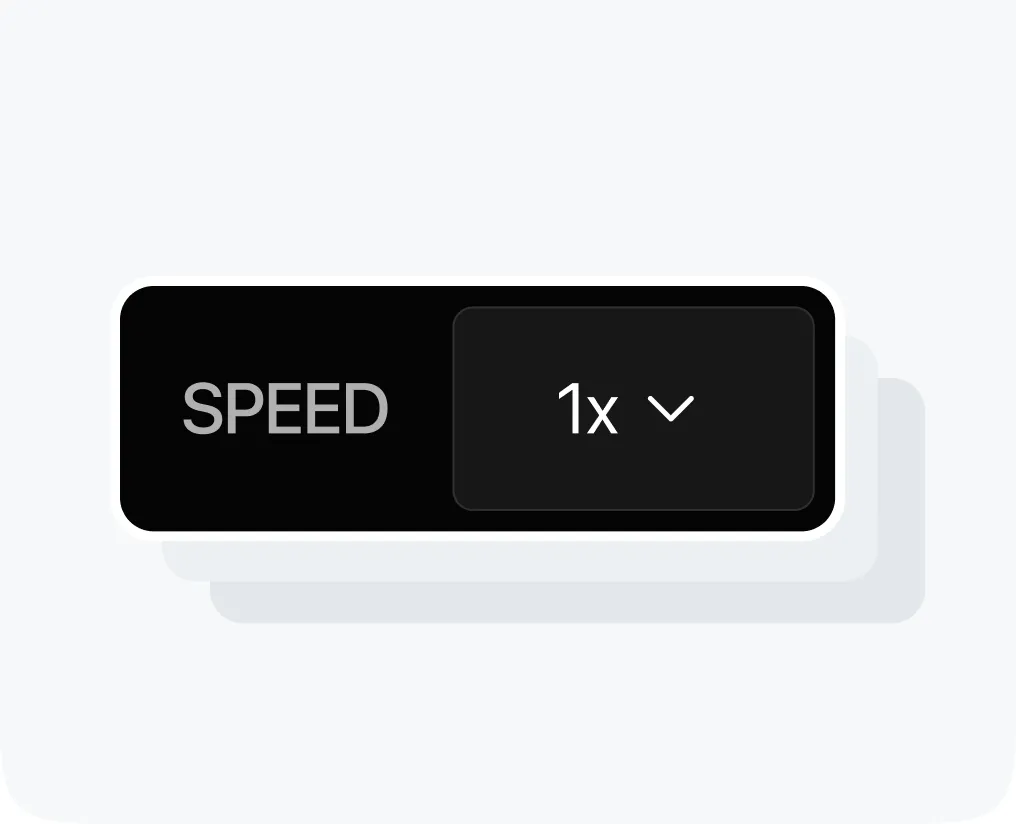
Changing playback speed naively also changes pitch — the reason a sped-up voice sounds comical. The app time-stretches instead: it resamples the audio so the tempo changes while the pitch stays where it was. That keeps voices natural, which is what makes it usable for podcasts, audiobooks and learning a part in a song.
What it can't fix
- A quiet ringer or alarm. Those are system sounds — see why your iPhone alarm is quiet.
- Other apps. Architecturally impossible on iOS, as above.
- A blocked or failing speaker. That is a cleaning or repair job — see iPhone volume low.
- Physics. A phone speaker has a hard ceiling. Beyond it you need a bigger driver, not better software.
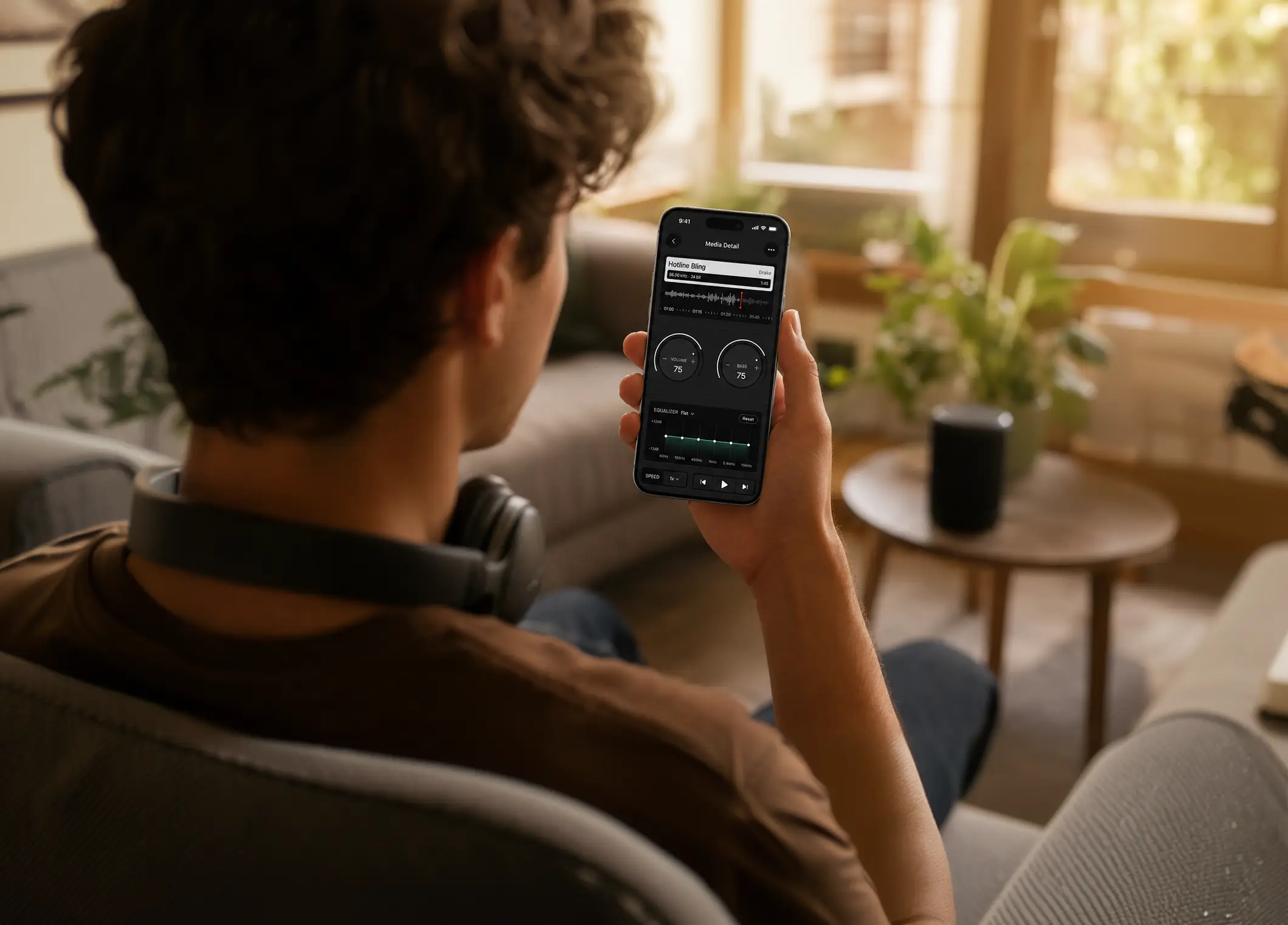
Turn the volume dial past 100% and amplify your sound beyond the limit.
Feel the deep bass in every beat with the built-in bass booster.
Fine-tune your sound with a 6-band equalizer and ready-made presets.
Speed up or slow down any track without losing sound quality.
Make your music louder than ever.
Boost the volume, add deep bass, and fine-tune every track with a 6-band equalizer — all in one simple app.
Download the App