
What Is a Tone Generator Used For? Nine Practical Uses
The point of a pure tone
Music is every frequency at once. That’s what makes it music, and it’s also what makes it useless for diagnosis: if your left speaker is weak at 2 kHz, the rest of the mix hides it. If your hearing stops at 14 kHz, you’ll never notice, because nothing in a song depends on 14 kHz alone.
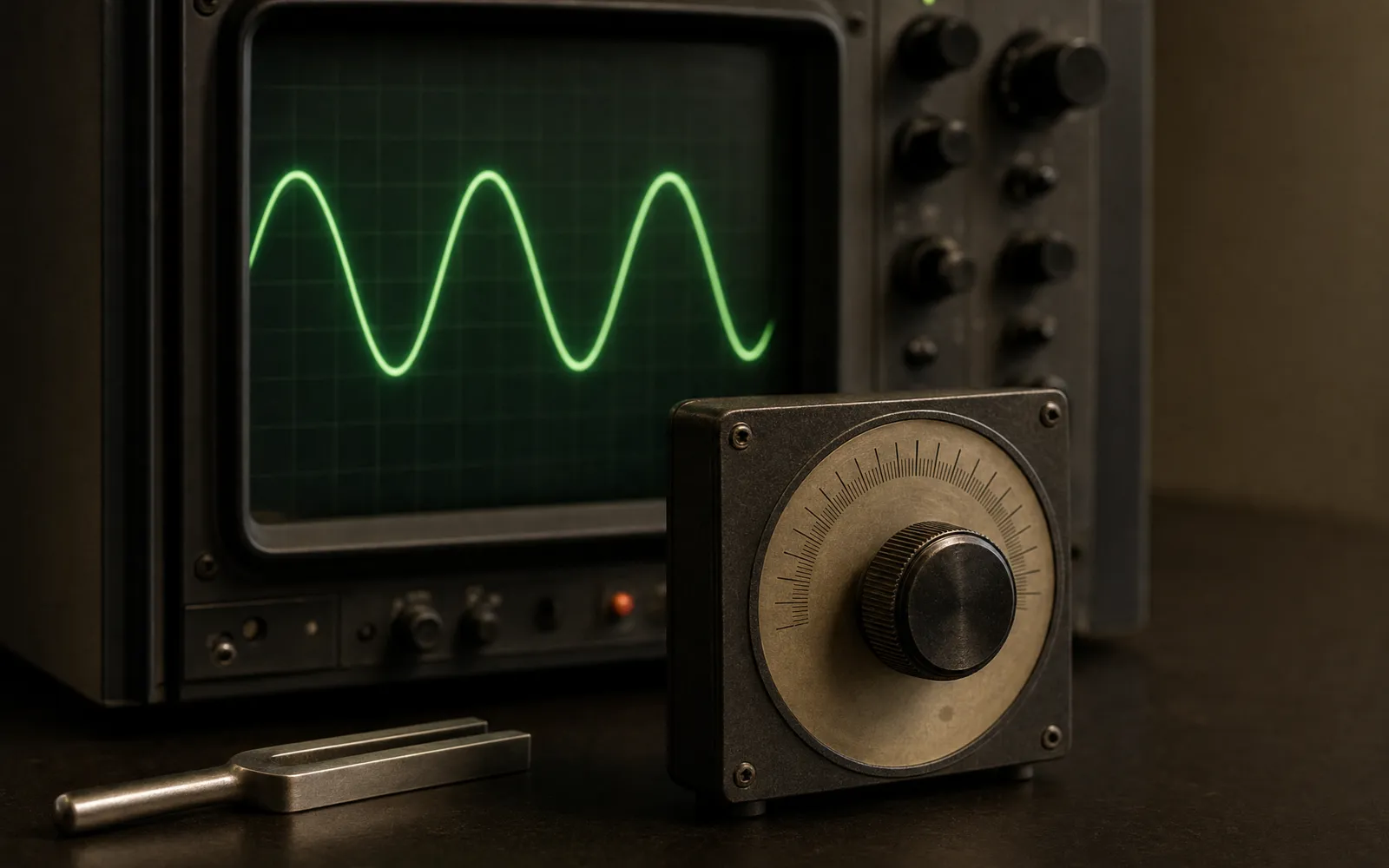
A tone generator strips all that away. One frequency, adjustable, in either channel or both. Whatever you hear — or don’t — is about that frequency, and nothing else. Every use below comes from that single property.
The tone generator here runs in the browser: any frequency from 20 Hz to 20 kHz, sine or other waveforms, left, right or both. Nothing to install.
1. Testing speakers and headphones
The classic use. Sweep slowly from low to high and listen for two things: dropouts, where the sound suddenly disappears at one pitch, and rattles, a mechanical buzz that appears at one frequency and vanishes at the next.
Both are invisible with music and obvious with a tone. A rattle at one frequency usually means debris in a grille or a loose part; a dropout in the middle of the range points at a damaged driver. A gradual roll-off at the bottom is normal — every speaker has one — so you’re listening for sudden changes, not the shape of the curve.
For a full procedure, how to test your phone speakers covers the order to do things in, and the speaker test runs the checks for you.
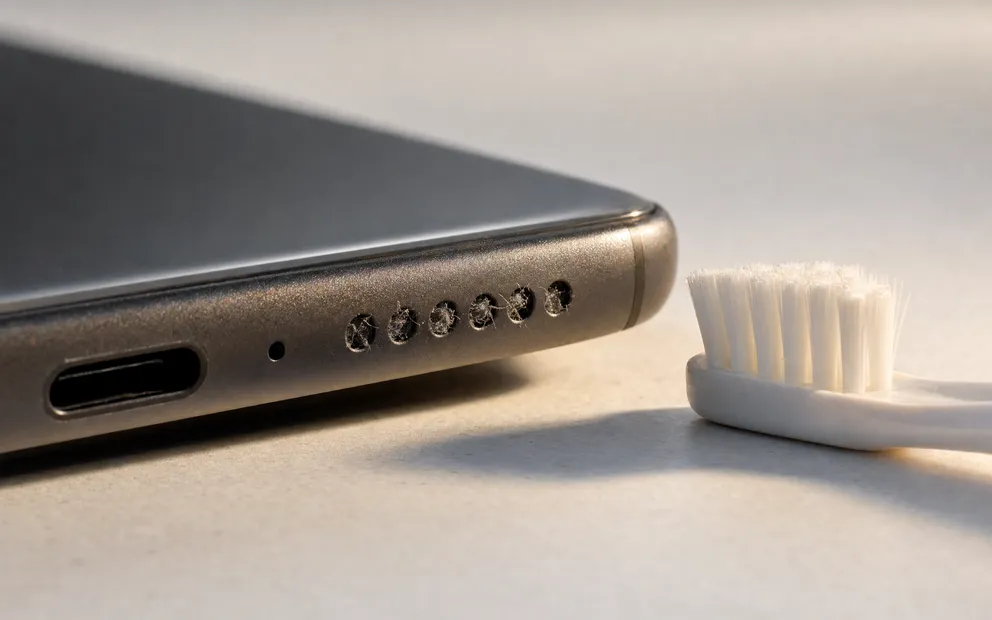
The same principle has two purely practical uses on a phone, where a low tone moves the diaphragm far enough to shift what is sitting on it: water eject for a wet grille and the speaker cleaner cycle for a dusty one.
2. Finding the top of your hearing range
Start around 8 kHz and step upward. Somewhere between 12 and 20 kHz the tone will vanish. That’s your ceiling.
It declines with age — most children hear close to 20 kHz, and many people in their forties hear little above 15 kHz — and that’s normal. Knowing your number is useful in a practical way: it tells you which claims on a headphone box you can actually benefit from, and it stops you returning a good pair because you couldn’t hear a 19 kHz tone that no adult can.
Two honest caveats. A browser can’t calibrate absolute loudness, so this finds your range, not your threshold in decibels, and it isn’t a medical hearing test. And check both ears separately: a difference between them is worth mentioning to a doctor.
3. Tuning an instrument
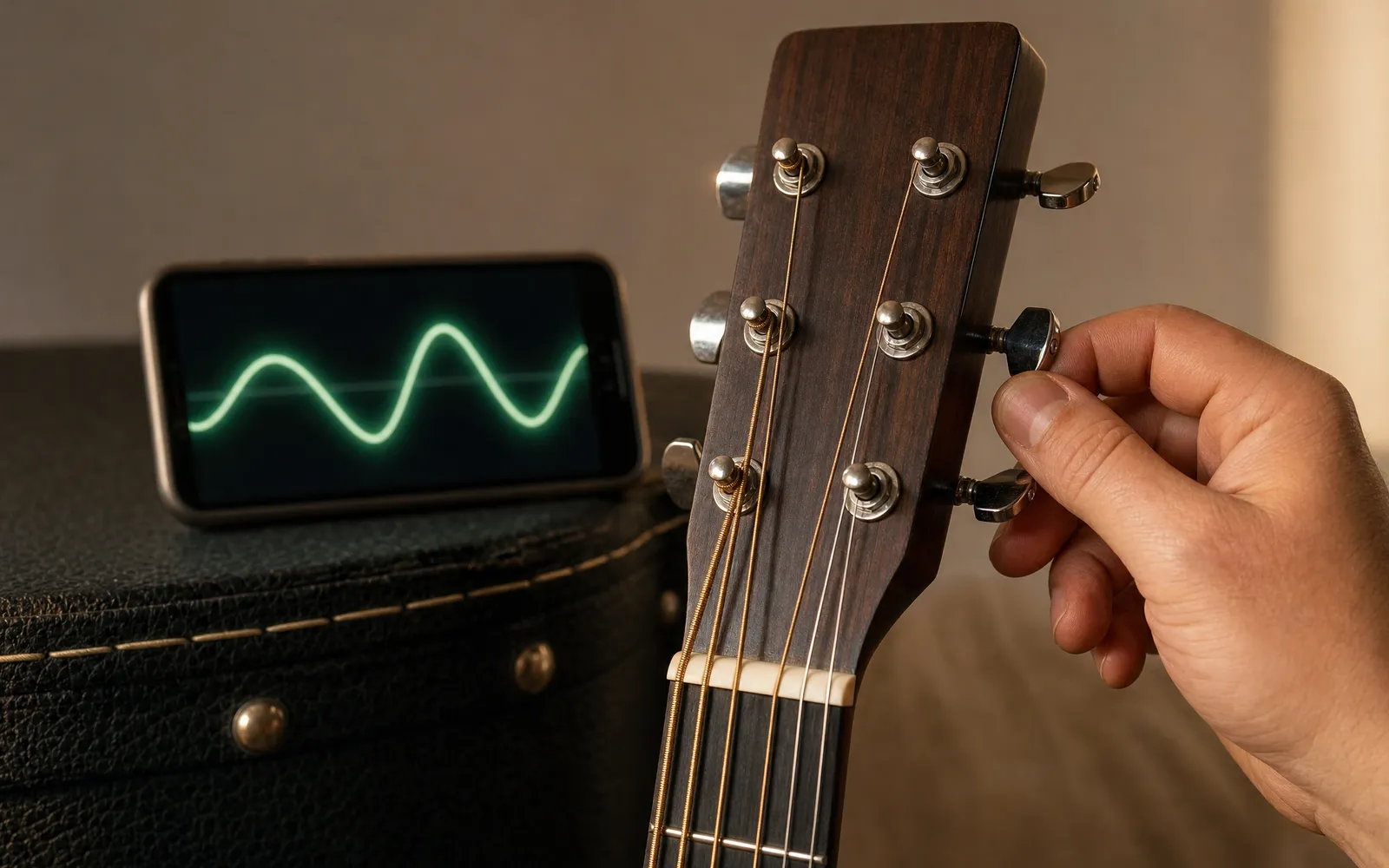
Set the generator to 440 Hz and you have concert-pitch A. Play the note on your instrument against it and adjust until the beating — the slow wobble you hear when two pitches are almost but not quite the same — disappears.
Because you can set any frequency, it also handles the cases a tuning fork can’t: orchestras that tune to 442 Hz, baroque ensembles at 415 Hz, or a specific note other than A. The note name under the frequency readout updates as you change pitch, so you can dial in E2 for a low guitar string or whatever you need.
4. Matching the pitch of tinnitus
If you have a ringing in your ears, an audiologist will often ask what pitch it is. That’s a hard question to answer from memory. With a tone generator you can sweep until the tone matches the ringing, note the frequency, and take a number to the appointment instead of a guess.
Keep the level low for this — you’re matching pitch, not loudness — and don’t use it as a treatment. Some people find that a matched or nearby tone gives brief relief, and sound therapy is a real thing, but it’s something to do with a clinician, not from a web page.
5. Finding a rattle in a room or a car
Something buzzes when the bass hits, and you can’t tell what. Play a slow sweep through the low range at moderate volume and walk around. When the buzz appears, hold the frequency. Now you can put a hand on things — a picture frame, a door panel, a loose grille — until it stops. The object that goes quiet under your hand is the culprit.
This works because every object has a resonant frequency it vibrates at, and a sweep finds it. Music passes through that frequency too fast to locate.
6. Checking stereo channels
Play a tone in the left channel only, then the right. It should come from the side you expect, and only that side. If it doesn’t, the channels are swapped — a cable in the wrong socket, headphones on backwards, or a software output mapping. A level-matched tone in each channel also reveals a weak driver on one side, which music hides well. Left vs right speaker test goes through the full stereo check, including phase.
7. Setting a subwoofer crossover
If you have a subwoofer and main speakers, there’s a frequency where one hands off to the other, and a gap or an overlap there is audible as a hole or a boom in the bass. Play tones through the crossover region — typically 60 to 120 Hz — and listen for a dip or a bump. Adjust the crossover frequency and the sub level until the tones are even through the transition. It’s the fastest way to set one up without a measurement microphone.
8. Ear training and intervals
A generator lets you hear the ratio between pitches directly. Play 440 Hz, then 880 Hz: that’s an octave, exactly double. 660 Hz is a perfect fifth. Because the frequencies are exact, you can hear what pure intervals sound like — and, if you try a tone at 445 Hz against 440, what a slightly out-of-tune one does. Beating, harmonics and octaves all become concrete rather than theoretical.
9. Hearing what waveforms do
Switch from sine to square at the same frequency and the tone gets brighter, harsher and louder. Nothing about the fundamental changed — the square wave just added a stack of odd harmonics on top. Sawtooth adds every harmonic; triangle adds odd ones but much quieter. Five minutes with a generator teaches more about timbre than a chapter of theory.
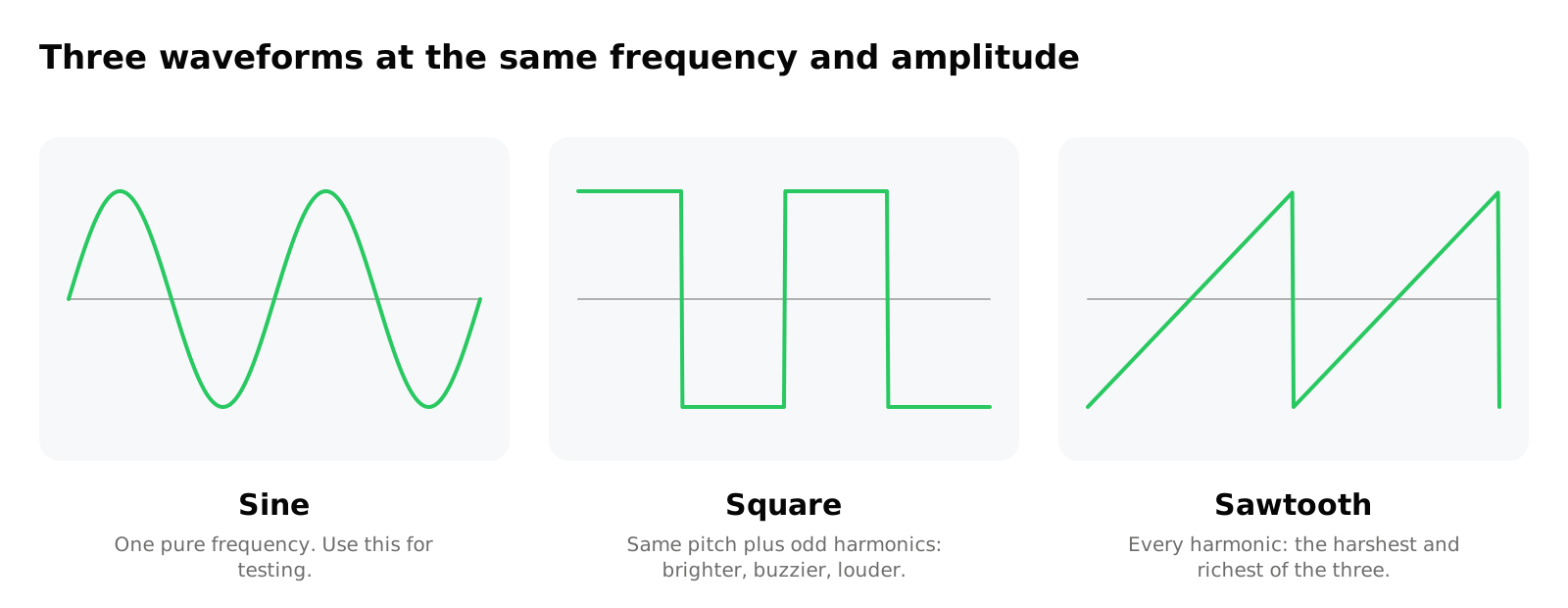
Use sine for any actual testing. It’s the only waveform that’s a single frequency, so it’s the only one where “I hear 3 kHz” means 3 kHz.
A note on 432 Hz and 528 Hz
You’ll see these frequencies presented online as healing tones or as a “natural” tuning. 432 Hz is simply a slightly lower concert pitch than the 440 Hz standard — some people prefer how it sounds, which is a matter of taste. 528 Hz comes from a set of tones with claimed properties that have not been demonstrated in controlled studies. A generator will happily play either; treat the claims around them as claims.
A note on the water-eject tone
Phones and watches use a low tone — around 165 Hz — to vibrate water out of a speaker grille after a swim. You can play a similar tone from a generator. It works because the driver physically moves at that frequency and the droplets get shaken loose; it isn’t magic, and it won’t help if the speaker is blocked rather than wet. Keep the level moderate and give it a few repeats.
Safety
Pure tones are more tiring than music at the same level, and low tones can be loud without feeling loud. Start quiet, raise gradually, keep each test short, and take a break between them. The usual 85 dB guidance applies. If you’re using headphones, take them off between tests rather than leaving a tone running.
Frequently asked questions
Why Is My iPhone Quieter Than It Used to Be?
iPhone quieter than it used to be? Most causes changed without you touching them: an update, a filling grille, a case, a remembered Bluetooth device.
Volume Booster App vs Browser Extension: Which Do You Actually Need?
Volume booster app vs browser extension: an extension boosts any desktop tab; an iPhone app, only its own playback. And extensions have a safety problem.
Make your music louder than ever.
Boost the volume, add deep bass, and fine-tune every track with a 6-band equalizer — all in one simple app.
Download the App